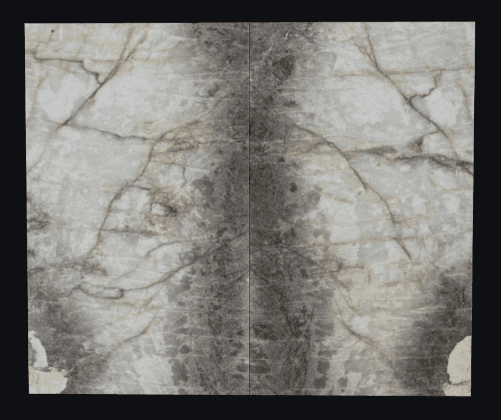
AI slab nesting that cuts waste,
not corners.
LithiqMatch evaluates thousands of layouts per slab, matches veining for bookmatched installs, and exports directly to your CNC — all from the same workspace where you quote and schedule.
Every slab, fully optimized.
Manual nesting wastes stone. LithiqMatch places pieces algorithmically, accounts for veining direction, and recovers remnants automatically — so you buy fewer slabs and throw away less.
AI Optimization
Evaluates thousands of layouts per slab to find the lowest-waste arrangement.
Vein Matching
Aligns veining across seams for bookmatched installs and continuous-flow layouts.
Remnant Recovery
Automatically tracks offcuts and suggests them for future jobs before ordering new slabs.
CNC Export
Export DXF files with piece positions, seam locations, and cut paths for your saw.
From slab to cut plan in three steps.
Upload Slabs
Photograph or import your slabs and remnants into inventory with dimensions and material details.
AI Optimizes
LithiqMatch evaluates layouts, matches veining, and suggests the lowest-waste arrangement.
Export & Cut
Send the optimized layout as a DXF to your CNC, or print a cut plan for manual saws.
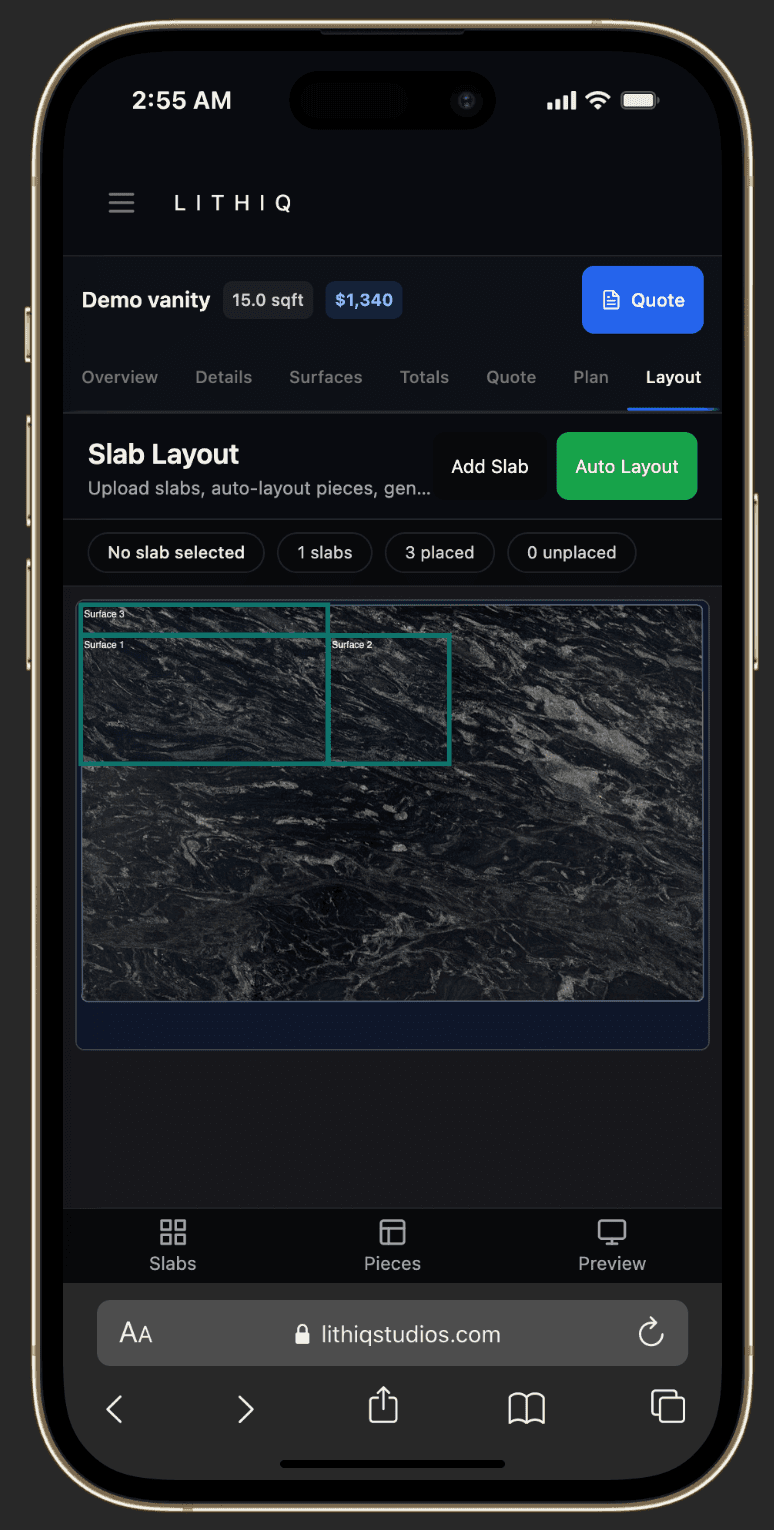
Nesting pieces onto a real slab.
Upload your slabs, draw or import the pieces, and let LithiqMatch find the lowest-waste arrangement — with veining aligned and remnants recovered.
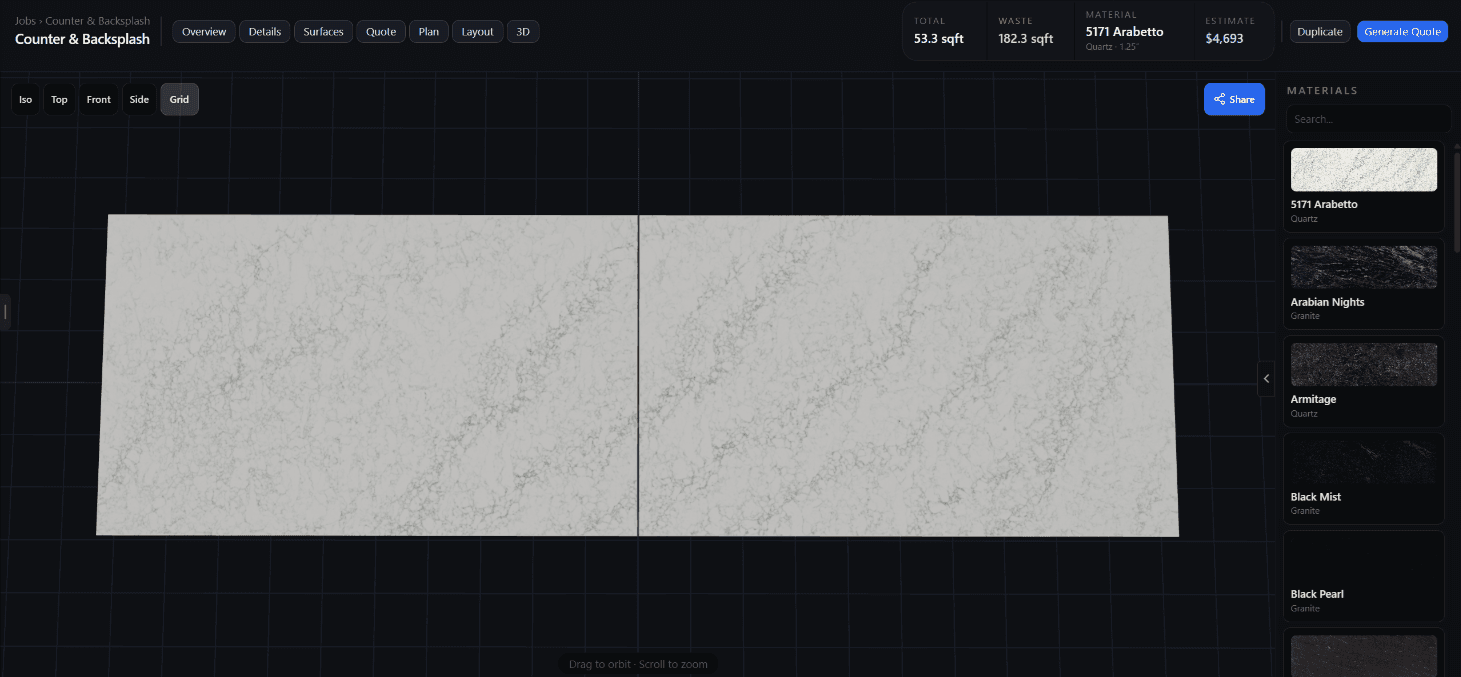
Mirror-matched veining, automated.
LithiqMatch aligns veining across seams for bookmatched and sequential-match layouts. The AI accounts for slab thickness, kerf, and vein flow so adjacent pieces mirror naturally — without the manual measuring and rechecking.
You stay in control: override placement, rotate pieces, and adjust seams. The system recalculates around your changes.