Draw countertops
clients understand.
Replace hand sketches and confusing CAD files with interactive 3D layouts. Lithiq's 3D/CAD surface editor lets you draw countertops, overlay them on slab images, place seams, and share an interactive layout with customers for instant approval.
Smart Snapping
Snap to vertices, edges, grid points, and DXF underlays for precise drawing.
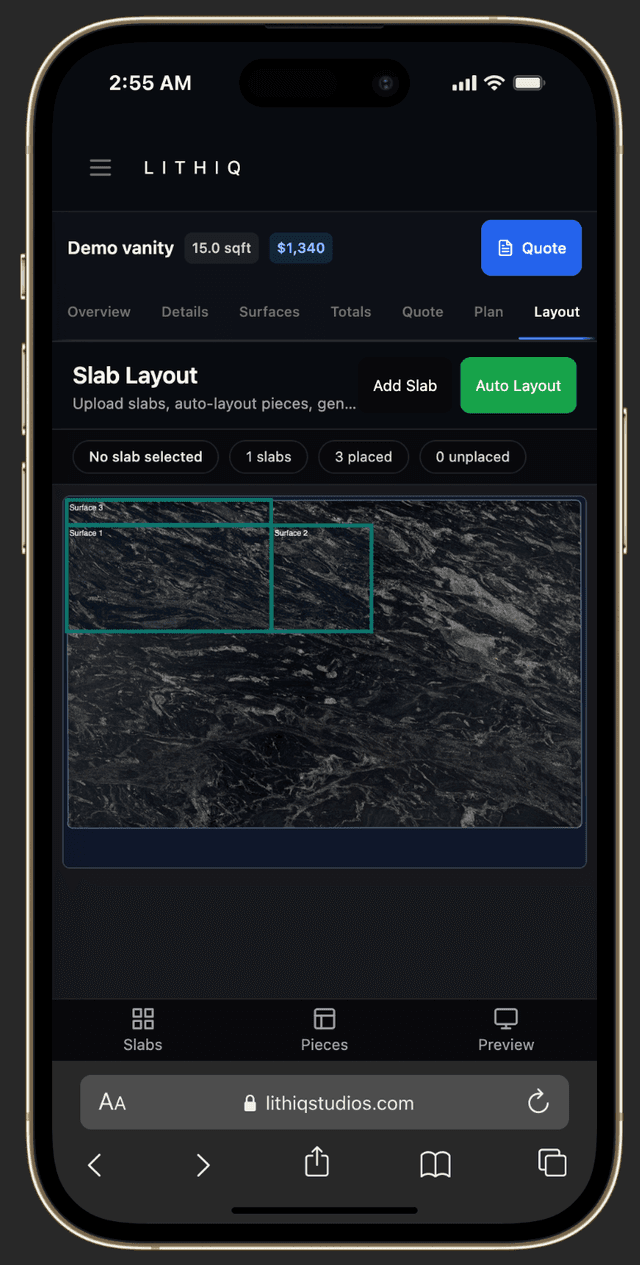
Slab Overlay
Visualize countertops on real slab images with seam placement.
LithiqMatch™ AI
AI suggests bookmatching based on vein flow and material thickness.
DXF Import
Import templates from Proliner, Laser Products, ETemplate, and any DXF-exporting device.
Inches, mm, or cm
Draw in the unit your shop uses. Switch per job — dimensions and quantities update live.
Shareable Links
Send clients a secure link — no account required to view or approve.
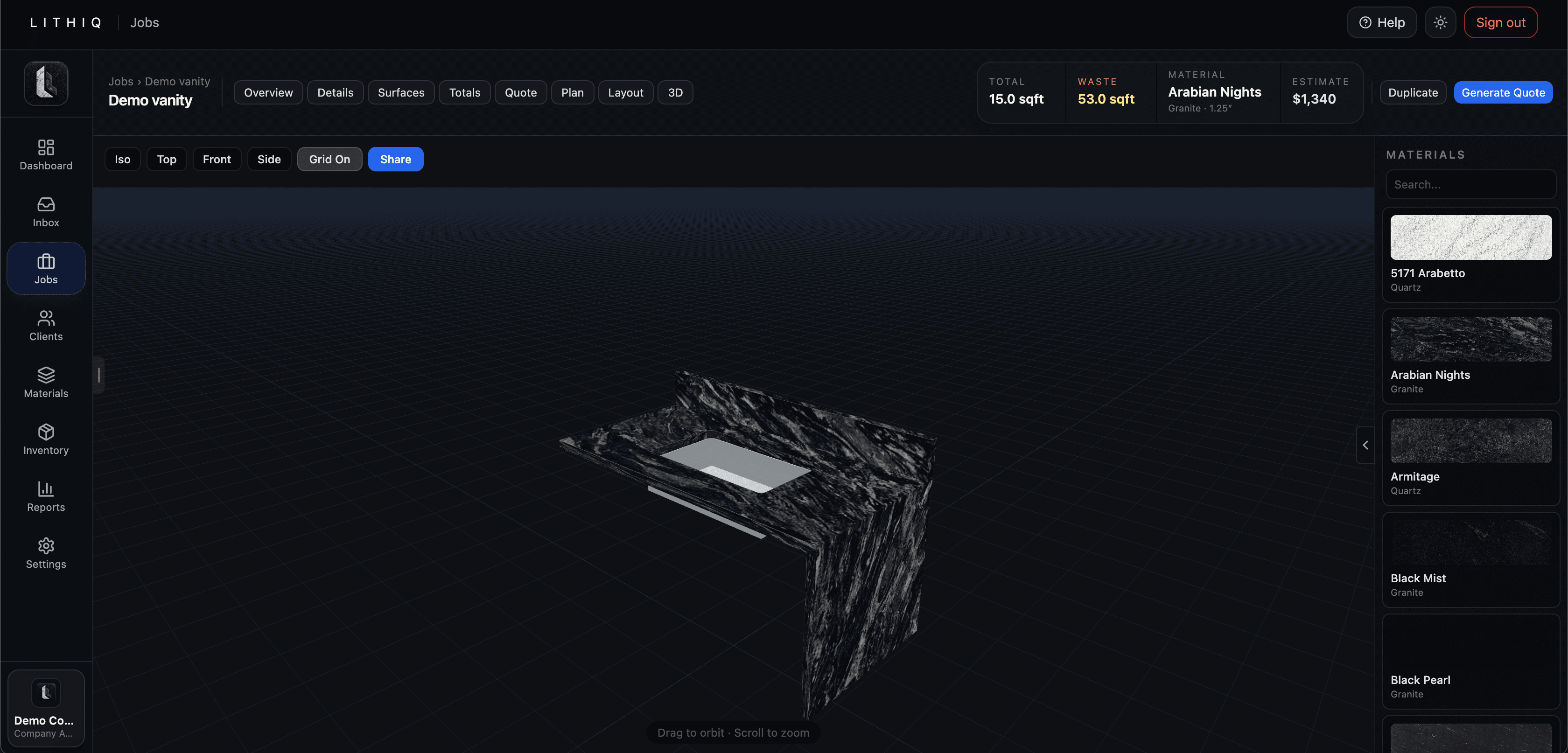
Lithiq OS is 3D countertop layout software that lets fabricators draw surfaces, overlay them on slab images, place seams, and share interactive 3D layouts with clients for instant approval — no CAD experience required. It imports DXF files from Proliner, Laser Products, and ETemplate devices, and runs on any phone browser.
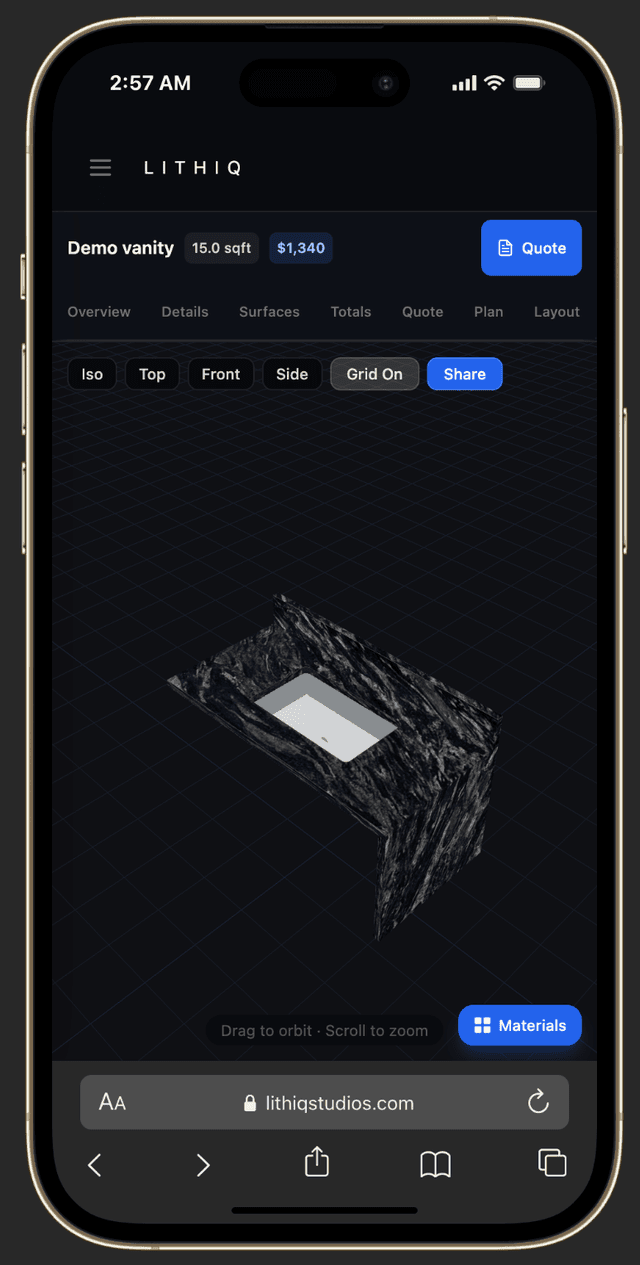
Share layouts on any device.
Your clients don't need to download an app or create an account. They open the link on their phone, tablet, or desktop and see the same 3D layout you see. Approval is one tap away.
Works with the templating machines you already own.
Import DXF files from any digital templating device — Proliner, Laser Products LT-2D3D, ETemplate, or any system that exports standard DXF. Templates land in the editor as editable surfaces, ready to draw on, add cutouts, and price — no re-drawing required.
Prodim Proliner
V-series and X-series. DXF export from the device or Prodim Factory software imports directly.
Laser Products
LT-2D3D, LT-55, and LP360. Standard DXF output — import templates into the drawing editor.
ETemplate
Photo-based measurement system. Exports DXF files that import with full geometry.
Any DXF source
Manual CAD drawings, other software exports, or legacy files — if it exports DXF, Lithiq reads it.
3D layout questions.
Do I need CAD experience?+
Can I import DXF files from my templating device?+
What measurement units does Lithiq support?+
Can clients approve layouts online?+
Does it show slab imaging and seams?+
Help customers say yes faster.
Start sharing interactive 3D layouts and get approvals in minutes instead of days.