Draw faster.
Quote professionally.
Win more jobs.
Lithiq OS is the only platform built from the ground up for stone fabrication. Design countertops, estimate materials, schedule crews, track slabs, and invoice customers — all from one place.
- Customizable price lists for materials, edges, cutouts, and labor
- Automatic square footage and linear foot calculations
- Professional branded quotes and proposals
- One-click conversion from quote to job
Drag to orbit · Scroll to zoom — this is a real Lithiq 3D layout
Design and share layouts clients understand
Draw countertops in 2D, preview them in 3D, and share an interactive layout with your customer for approval. No CAD experience required.
- Drag-and-draw countertop shapes with smart snapping
- DXF template import for field-measured jobs
- Slab imaging and seam placement visualization
- Client approval links — no account required
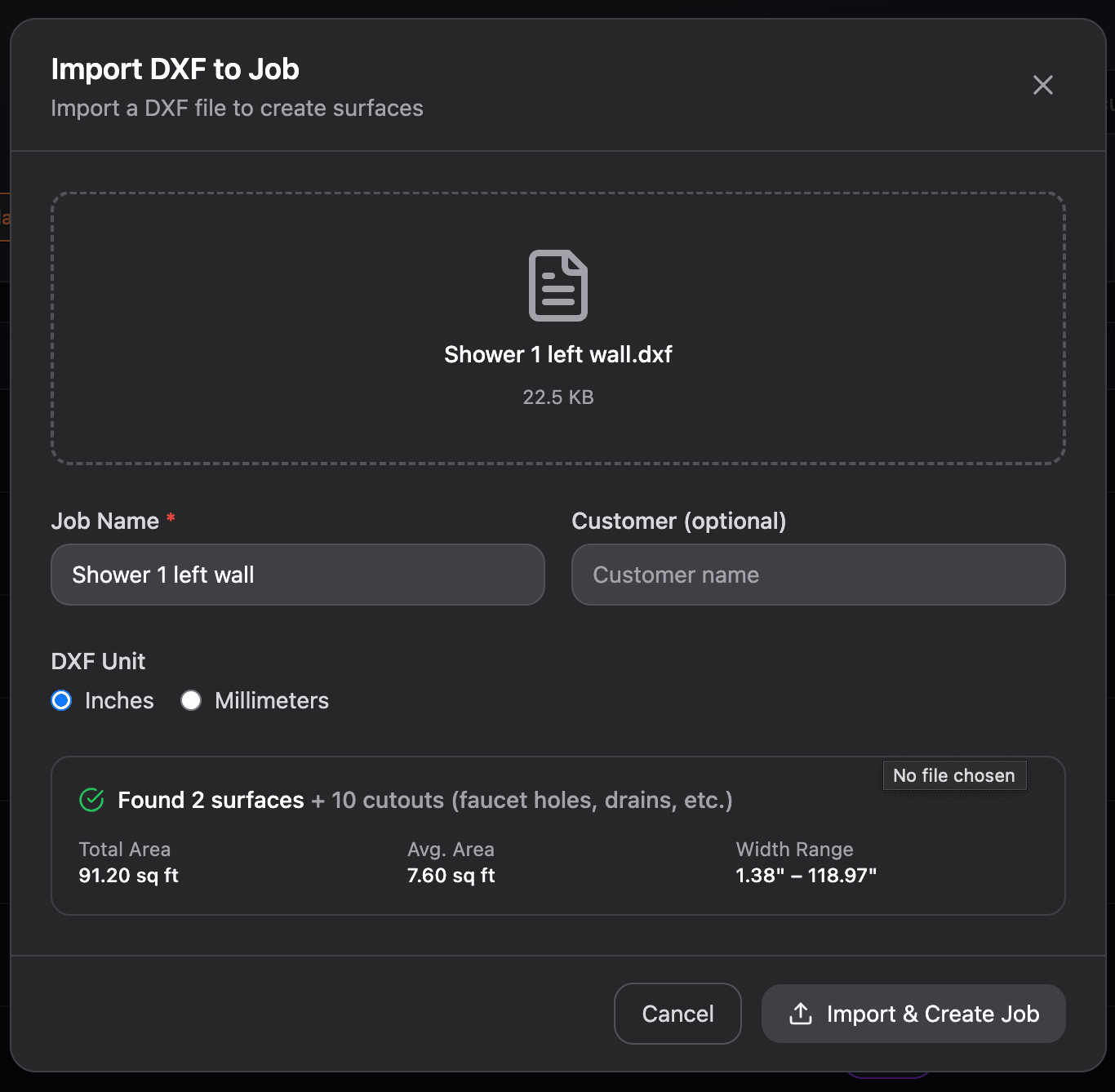
Let AI handle bookmatching
LithiqMatch analyzes slab images and vein patterns, then suggests optimal placement based on material thickness, seam positions, and your chosen match mode.
- Mirror and sequential match modes
- Material-thickness-aware seam spacing
- Vein flow alignment across adjacent pieces
- Save hours of manual analysis per job
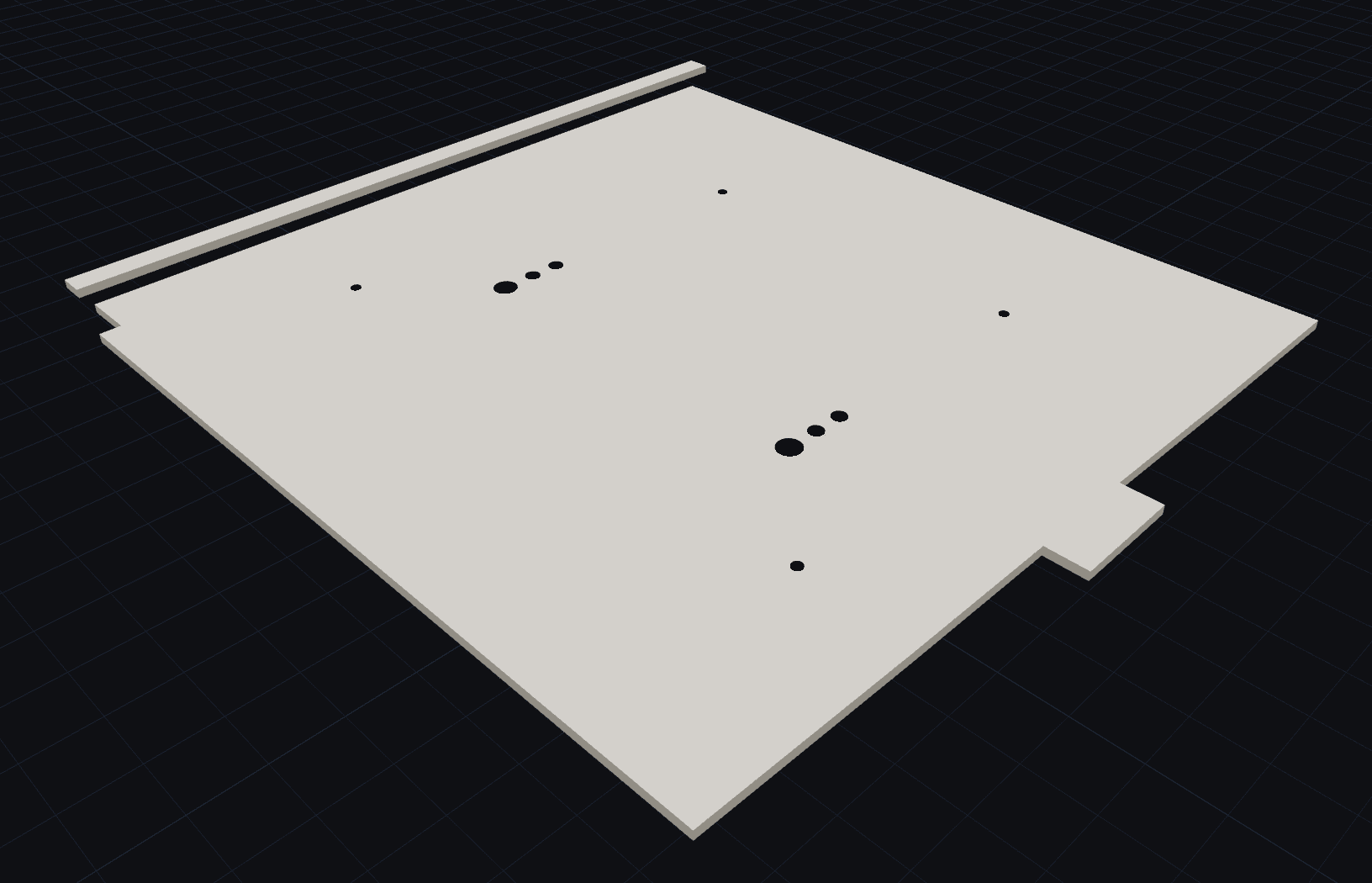
One platform. Every stage.
Smart Estimating
Automatic material calculations, edge profiles, cutouts, and instant pricing.
3D CAD Layouts
Full 3D surface editor with DXF import and client sharing.
LithiqMatch™ AI
AI bookmatching that spaces seams and aligns vein flow.
LithiqSnap™
Precision snapping to vertices, edges, grid points, and DXF underlays.
Production Scheduling
Job boards, crew assignment, fabrication slots, and real-time status.
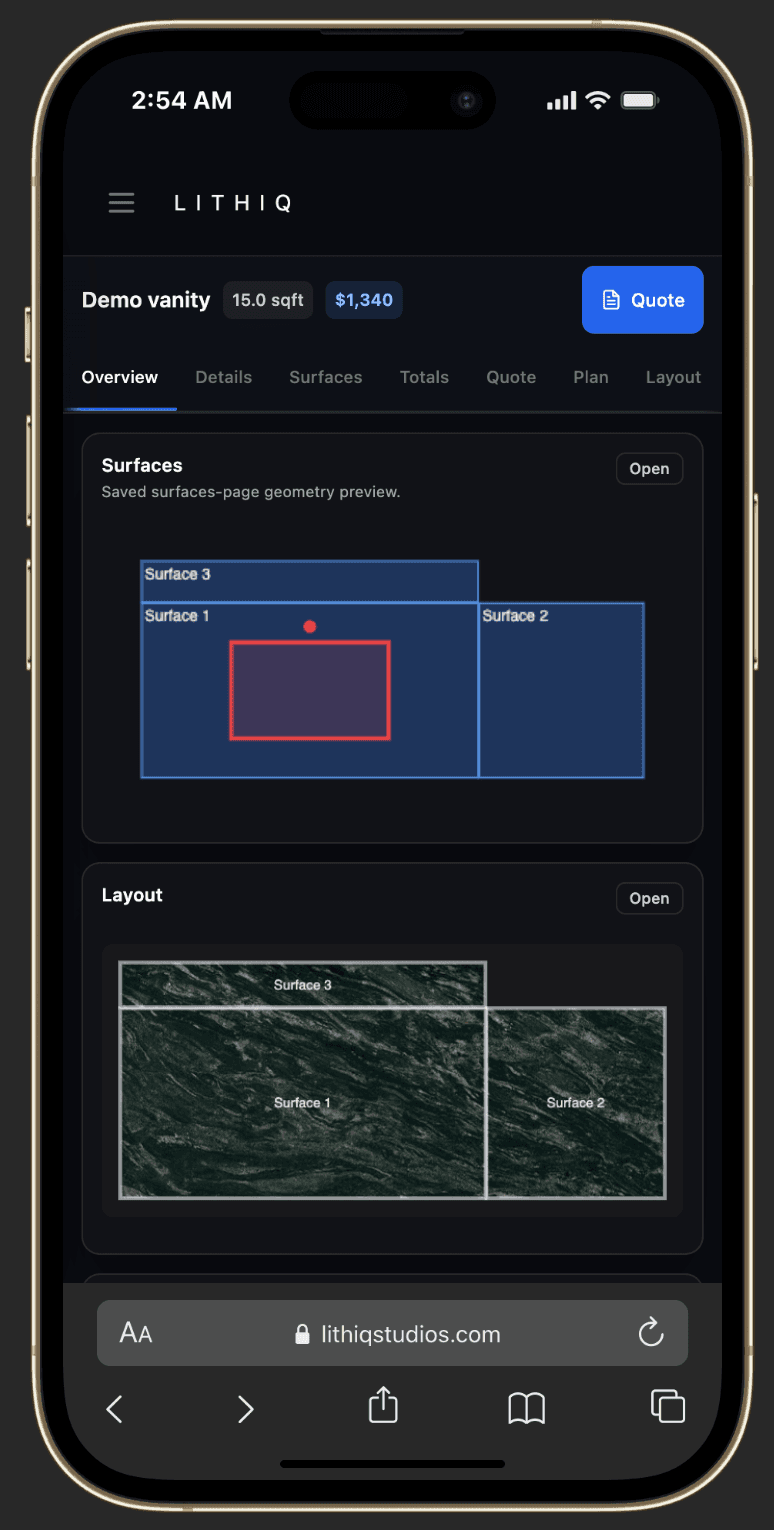
Mobile Field Plans
No app downloads. View plans, upload photos, and update status on any device.
Inventory & Slabs
Track slabs, remnants, and products from receiving to install.
Invoicing
Progress and final invoices with QuickBooks sync.
CRM
Leads, customers, quotes, and follow-ups in one place.
Global Ready
Work in inches, cm, or mm. Quote in 20+ currencies — USD, EUR, GBP, CAD, AUD, and more.
Branded Documents
Quotes, contracts, and job packets with your company branding.
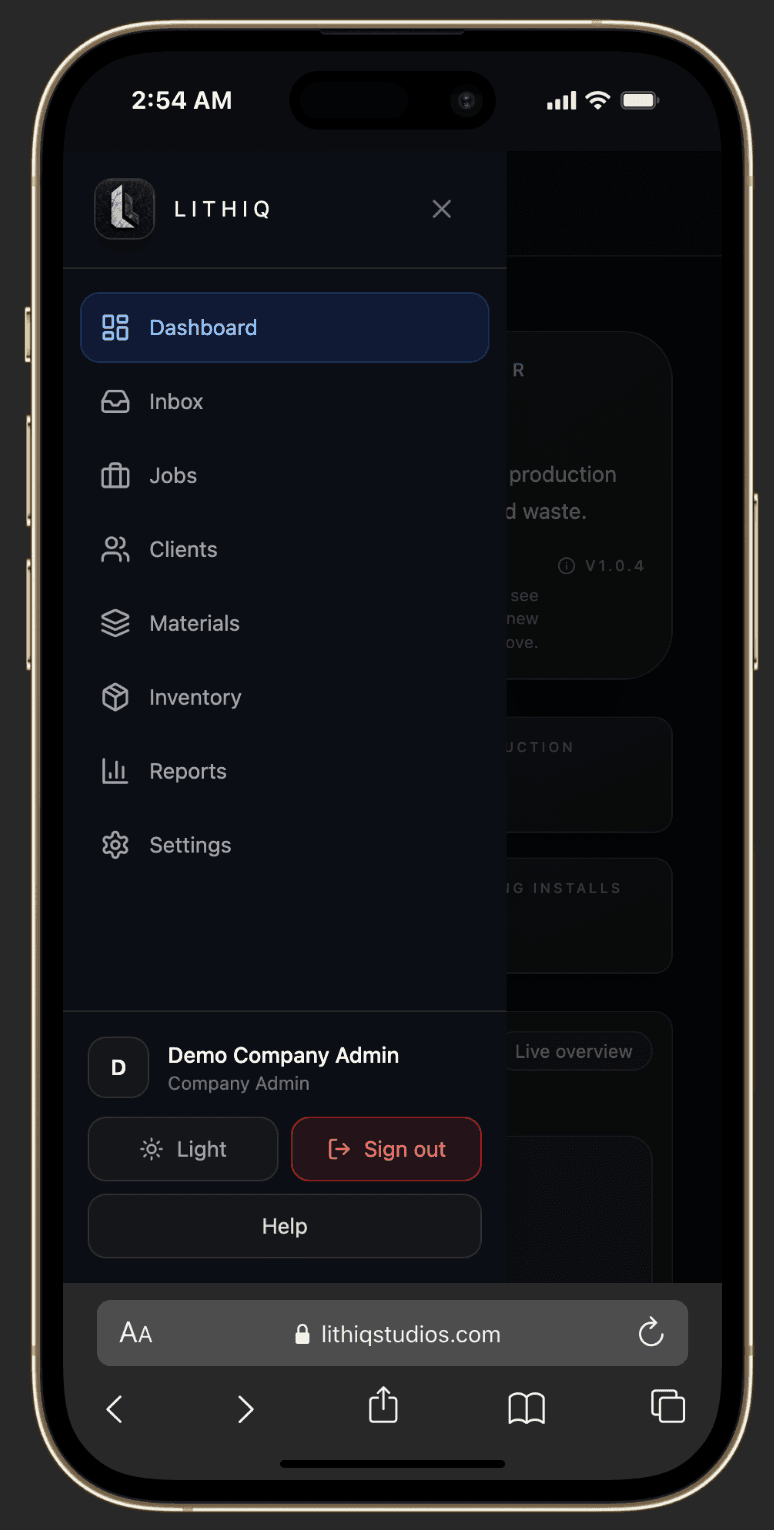
Runs everywhere your crew does
Lithiq works in any browser — no app store downloads, no per-seat license fees. Your team can view plans, update job status, and upload photos from the shop floor or the job site.
- Full job management from any phone or tablet
- Field-friendly navigation with mobile-optimized menus
- Upload site photos, mark measurements, and update status on the go
- No app downloads — works in any modern browser
We've received compliments from our customers that our presentation is much more appealing than the competition. Plus, I can quote immediately in front of the customer instead of spending an hour on it after they leave.
Questions? Answered.
What makes Lithiq OS different from other stone fabrication software?+
Is Lithiq OS easy to use for someone who isn't a CAD expert?+
What are the biggest benefits of using Lithiq OS?+
Is Lithiq OS future-proof?+
Is Lithiq a replacement for my CAD software?+
How long does onboarding take?+
Does Lithiq OS work on phones and tablets?+
What accounting integrations are available?+
Can I share layouts with clients?+
Does Lithiq support international shops?+
Ready to win more jobs?
Join the fabricators using Lithiq OS to quote faster, schedule smarter, and delight customers.